
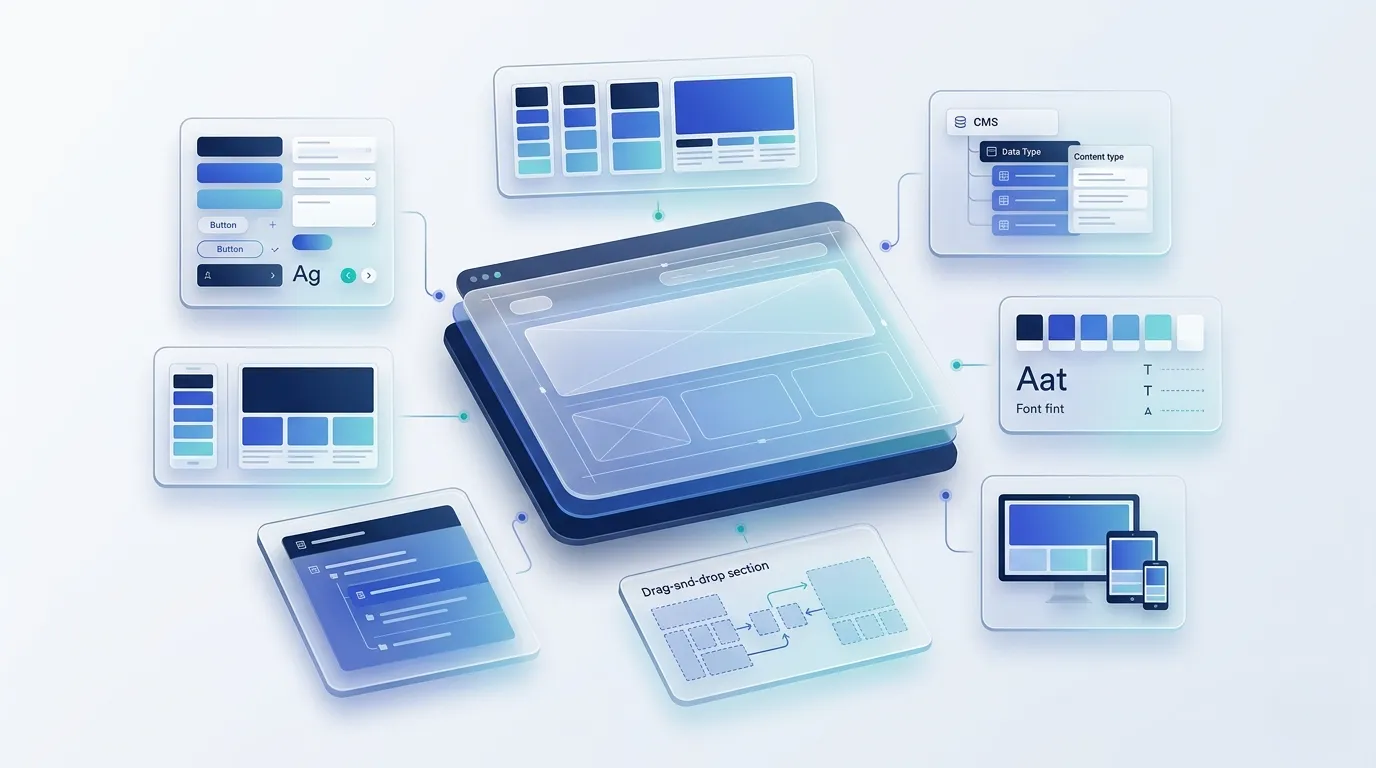
No code website builders are platforms that let me design, publish, and manage a website with a visual editor instead of writing code. The best no code website builder depends on what I am building, how much design control I need, and how much SEO and performance control I want. Webflow is a major player in this space, with W3Techs reporting that Webflow is used by 0.9% of all websites.
Most people do not struggle because the tools are bad. They struggle because the tradeoffs show up later, after content grows and the site needs to convert. Common concerns include limited SEO settings, slow load times from heavy templates, rigid CMS structure, design limits that appear mid build, and costs that rise once a site needs more pages, integrations, or multiple editors.
In this guide, I will compare the top options, explain what each builder is best for, and share a simple way to choose based on my goals and constraints.
What no code really means
No code means a person can build and publish a website using a visual editor and prebuilt components instead of writing code for every part of the site. It still involves important choices, such as page structure, navigation, content organization, integrations, SEO settings, and performance basics.
No code works well for many common site types because it reduces development time and makes updates easier, but it can feel limiting when a project needs advanced logic, complex data relationships, or highly custom functionality.
Comparison of no code vs low code vs custom build
| Option | Best for | Main advantage | Main tradeoff |
| No code | Standard websites and simple stores | Fast to build and easy to update | Limited flexibility for complex features |
| Low code | Sites that need custom logic or integrations | More control without full custom build | Can get complex to maintain |
| Custom build | Complex products and unique requirements | Full control and scalability | Higher cost and longer timelines |
How I ranked these tools
- Use case fit: What the builder is best for, such as marketing sites, ecommerce, landing pages, portfolios, or internal pages.
- Design control: How much layout and styling control it offers without forcing workarounds.
- SEO control: Control over titles, meta descriptions, headings, URLs, redirects, sitemaps, and structured data.
- Performance basics: How well it supports fast loading pages through clean output and image handling.
- Content management: How easy it is to scale pages and content with a CMS, reusable sections, and consistent templates.
- Growth and maintenance: Pricing predictability, integrations, team access, and how painful it is to change or migrate later.
The 10 best no code website builders
No code website builders can look similar on the surface, but they differ a lot in design control, SEO settings, content management, and how well they scale. This list focuses on widely used options that fit common needs like marketing sites, small business websites, landing pages, portfolios, and online stores.
To keep this useful, I focus on real tradeoffs that show up after launch, such as SEO control, site speed, CMS structure, editor workflow, and how hard it is to expand or move later.
- Webflow: Best for marketing sites that need high design control and a scalable CMS.
- Wix: Best for small business sites that need fast setup and many built in features.
- Squarespace: Best for clean, template based sites like portfolios and simple business websites.
- Shopify: Best for ecommerce stores that need strong product and checkout capabilities.
- Framer: Best for landing pages and campaign sites that need fast design iteration.
- WordPress.com: Best for publishing focused sites that want a familiar blogging workflow on hosted infrastructure.
- Weebly: Best for basic websites that need a simple editor and minimal setup.
- Carrd: Best for one page sites like waitlists, lead capture pages, and link pages.
- Bubble: Best for app style products that need workflows, data, and user accounts without coding.
- Dorik: Best for simple business sites and landing pages built from templates and sections.
Quick comparison of no code website builders
| Builder | Best for | Main advantage | Main tradeoff |
| Webflow | Marketing sites and CMS driven sites | High design and CMS control | Higher learning curve |
| Wix | Fast small business sites | Quick setup with many features | Less control at scale |
| Squarespace | Portfolios and simple content sites | Polished templates | Limited layout freedom |
| Shopify | Ecommerce stores | Strong store features | Theme constraints for marketing |
| Framer | Landing pages and campaigns | Fast design and publishing | Not ideal for large CMS needs |
| WordPress.com | Blogging and publishing | Familiar content workflow | Control varies by plan |
| Weebly | Basic websites | Simple editing | Limited customization |
| Carrd | One page sites | Very fast setup | Not for complex sites |
| Bubble | App like products | Workflows and data logic | Can get complex to maintain |
| Dorik | Simple business sites | Easy templates and sections | Limited advanced control |
1. Webflow

Webflow is a visual website builder built for teams that want strong control over layout, structure, and content templates. It is commonly used for marketing websites where design detail and clean page structure matter.
It works best when a site needs a CMS, reusable sections, and consistent templates across many pages. It can take longer to learn than simpler builders, but it supports more control over how pages are built and maintained.
Why it is a strong pick
- Strong design control for custom layouts and brand systems
- CMS structure that supports consistent templates and scalable content
- Good fit for marketing sites that need ongoing updates and iteration
When we recommend Webflow
At Devziv, we recommend Webflow when a business needs a marketing website with strong design control, a scalable CMS, and an editor experience that internal teams can use without breaking layouts. It is a strong fit for content driven sites where pages must stay consistent as the site grows, such as service pages, case studies, location pages, and resource libraries.
We usually avoid Webflow when the project depends on complex application logic, advanced user roles, or heavy backend workflows that require a product style architecture. In those cases, we treat Webflow as the marketing layer or recommend a platform built for application development, depending on the requirements.
2. Wix

Wix is a popular no code builder designed for fast setup and straightforward site management. It offers templates and built in features that help small businesses publish quickly.
It is a strong option for brochure style sites, service pages, and simple catalogs. As needs grow, some teams run into limits around deep customization and long term flexibility.
Why it is a strong pick
- Fast setup with many built in features
- Easy editing for teams that want minimal complexity
- Good fit for smaller sites with stable requirements
3. Squarespace

Squarespace is a template driven builder known for clean design and a simple editing experience. It is often used for portfolios, small business websites, and content focused sites.
It is a good choice when a site does not need complex structure or heavy customization. It can feel restrictive when a brand needs unique layouts or when content requires more advanced modeling.
Why it is a strong pick
- Polished templates that look professional quickly
- Simple editing experience for non technical teams
- Good fit for portfolios and smaller content sites
4. Shopify

Shopify is an ecommerce focused platform built around selling products online. It includes tools for inventory, payments, shipping settings, and checkout workflows.
It is best when ecommerce is the core goal, not just a side feature. Marketing layout flexibility depends on the theme and how the site content is structured.
Why it is a strong pick
- Strong ecommerce capabilities built into the platform
- Reliable store operations for day to day management
- Good fit for businesses that sell products as the primary goal
5. Framer

Framer is a visual builder often chosen for landing pages and modern marketing sites. It is popular with designers who want to publish quickly while keeping a strong design feel.
It works best for smaller sites, campaign pages, and fast iteration. It can be less ideal for large content libraries that need complex CMS templates and deep structure.
Why it is a strong pick
- Fast design to publish workflow for marketing pages
- Strong fit for campaigns and frequent iteration
- Good option when the site is not CMS heavy
6. WordPress.com

WordPress.com is a hosted platform that offers a simpler setup than a self hosted WordPress install. It is commonly used for blogging and publishing focused websites.
It can work well when content publishing is the center of the site. The level of control depends on the plan and setup, so it is important to confirm what features are included.
Why it is a strong pick
- Strong publishing workflow for blogs and articles
- Familiar ecosystem for content teams
- Good fit for sites where writing and updates are the priority
7. Weebly

Weebly is a straightforward builder designed for simple websites and basic ecommerce. It is often used by small businesses that want a basic online presence without heavy setup.
It is best for smaller sites with limited customization needs. It may not be the best fit for brands that need advanced layout control or deeper content structure.
Why it is a strong pick
- Simple editing with a low learning curve
- Good fit for basic websites with clear requirements
- Useful when speed and simplicity matter most
8. Carrd

Carrd is a lightweight builder focused on one page websites and simple landing pages. It is designed for speed and clarity rather than complex site architecture.
It is ideal when a site has a single goal, such as lead capture, a waitlist, or a simple profile. It is not designed for multi page sites with complex content needs.
Why it is a strong pick
- Very fast setup for one page sites
- Clear structure for focused conversion pages
- Good option when the site does not need a CMS
9. Bubble

Bubble is a no code platform designed for building web applications with workflows, databases, and user accounts. It is often used for MVPs and products that need interactive features.
It can also publish marketing pages, but its main strength is app style functionality. Planning matters more here because complexity can grow quickly as features and data expand.
Why it is a strong pick
- Supports logic, workflows, and dynamic features
- Useful for MVPs that need more than static pages
- Can reduce development effort for app like products
10. Dorik

Dorik is a no code builder focused on fast site creation using templates and section based editing. It is commonly used for small business websites, landing pages, and simple content sites.
It works best when a team wants a clean site without a steep learning curve. It can be limiting when a project needs advanced CMS models or deeper technical control.
Why it is a strong pick
- Simple builder experience with quick templates
- Good fit for small business sites and landing pages
- Useful when ease of use is the main priority
Best picks by real world use case
- Webflow works best when we need a marketing site with high design control, a scalable CMS, and reusable templates that keep pages consistent as content grows.
- Wix is a solid pick when we need to launch a small business site fast and want lots of built in features with an easy editor.
- Squarespace fits well when we want a polished site for a portfolio, service business, or simple content site and we do not need deep layout flexibility.
- Shopify is the safest choice when ecommerce is the primary goal and we need strong product, checkout, and store management features.
- Framer is a good option when we are building landing pages or campaign pages that need fast design iteration and quick publishing.
- WordPress.com is a practical choice when publishing content is the priority and we want a familiar blogging workflow on a hosted platform.
- Weebly works when the website is basic, the structure is simple, and we want a low learning curve with straightforward editing.
- Carrd is ideal when we only need a one page site, a waitlist page, a link in bio page, or a focused lead capture page.
- Bubble is the best fit on this list when we need app style functionality, such as workflows, user accounts, and database driven pages.
- Dorik is useful when we want a simple, template based business site or landing page and the project does not require advanced CMS or deep customization.
Want to partner with Devziv for a conversion focused build?
If you want a Webflow website that turns visits into real actions, Devziv can help you simplify the message, tighten the page flow, and build a clean structure your team can update without breaking layouts. Our Webflow Design & Development service is built around reusable components, scalable CMS templates, and performance focused implementation so the site stays consistent as it grows.
If you already have a site, we can start by finding the friction that blocks conversions, such as unclear positioning, weak internal paths, or pages that load slowly on key traffic sources. Use the schedule a call option to share what you are building, and we will recommend a practical next step based on your goals and constraints.
FAQs
What is a no code website builder?
A no code website builder lets us create and publish a website using a visual editor instead of writing code. It is designed to make building pages, styling layouts, and updating content easier for non technical teams.
Which no code website builder is best for SEO?
The best choice depends on how much control we need over URLs, redirects, metadata, structured data, and page speed. Webflow and WordPress.com usually offer stronger SEO control for content driven sites, while other builders can be sufficient for smaller websites.
Is Webflow better than Wix for SEO?
Webflow often gives more control over structure and templates, which helps when a site needs consistent SEO and scalable content. Wix can still rank well, but it is usually a better fit when speed of setup and simplicity matter more than deep control.
Which builder is best for a small business website?
Wix and Squarespace are common choices when we want to publish quickly with built in features and simple editing. If the business expects content growth or needs more design flexibility, Webflow can be a stronger long term option.
Which builder is best for ecommerce?
Shopify is typically the most practical choice when selling online is the main goal. It is built around products, checkout, and store management, which are harder to match in general website builders.
Can a no code website rank on Google?
Yes, no code websites can rank when the fundamentals are done well, including good content, clean site structure, fast loading pages, and clear on page SEO. The platform matters, but execution usually matters more.
Can we switch builders later without losing SEO?
We can migrate, but SEO can drop if URLs change or redirects are not handled correctly. Planning URL structure, preserving key pages, and setting up proper redirects reduces risk during a rebuild.
Do no code builders support custom code?
Many platforms allow custom code in some form, such as embeds, scripts, or integrations. The level of control varies, so it helps to confirm what the builder supports before committing.